.png)
When a user wants to access 24Planning, a license for 24Planning is required unless you have an ORG license.
You can assign licenses to users as follows:
-
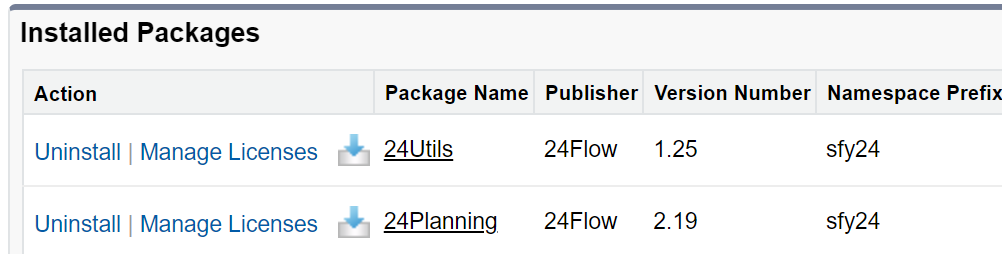
From Setup> Installed Packages, you select ‘Manage Licenses’ for the 24Planning app.
-
On the next screen, you will be able to add and remove users. Additionally, other information related to your 24Planning license is shown.