.png)
You will need to install 2 packages: first 24Utils and then 24Planning, for both the installation flow is very similar.
-
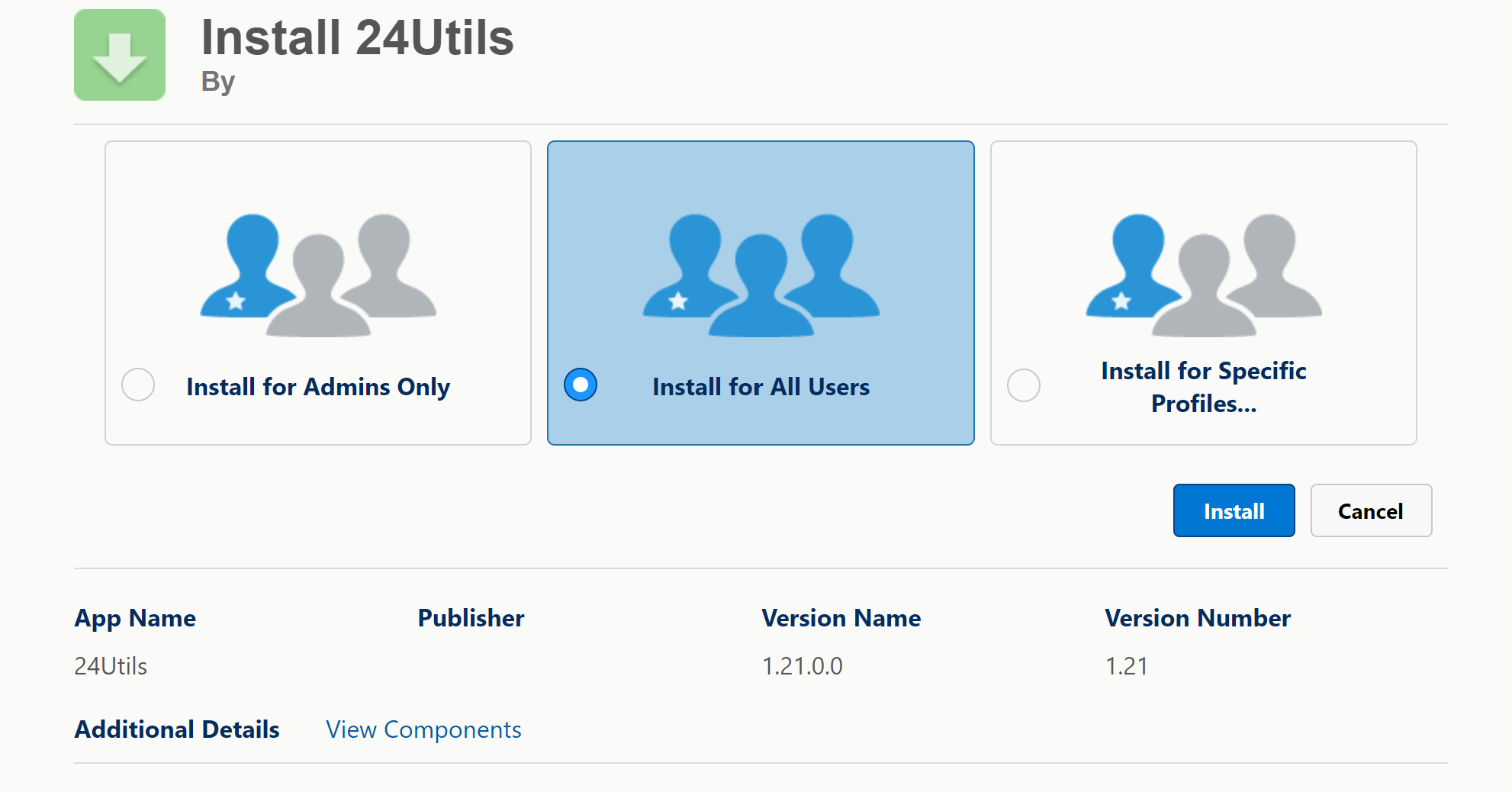
You will get this screen:
-
Check I acknowledge… and click “Install’
-
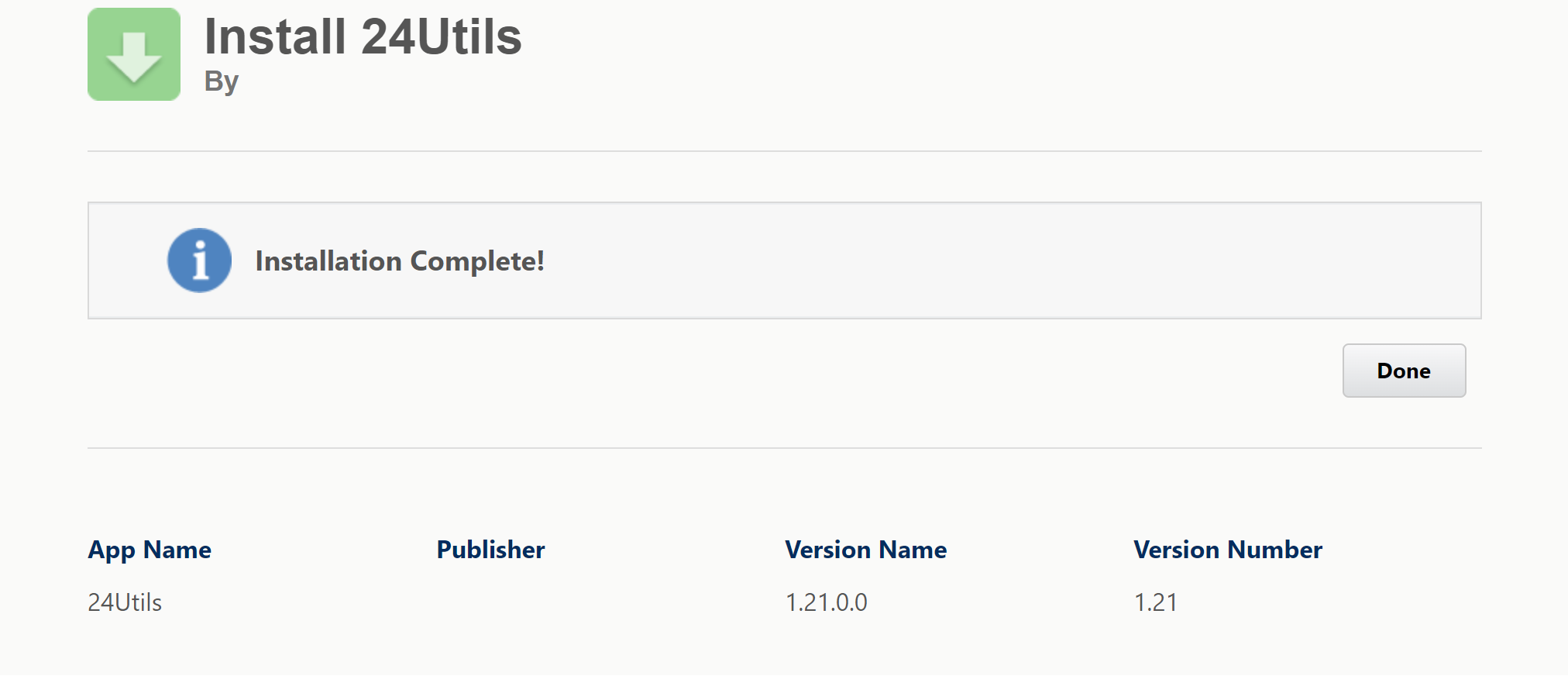
The installation can take a few minutes, once done you will receive a screen as follows. Click “Done”
-
Once 24Utils is installed, proceed with the installation of the 24Planning package.
-
Once both package are installed, navigate to Setup > Installed Packages you can see the packages that are installed on your org. After the installation, both 24Utils and 24Planning will be available.
